Last Updated on September 17, 2026 by Lydia — Salles & Co. Digital
Disclosure: This post (DashThis Review) contains affiliate links. If you sign up through one of these links, we may earn a commission at no additional cost to you. This review is based on publicly available information from DashThis’s official resources, G2, and Capterra.
TL;DR
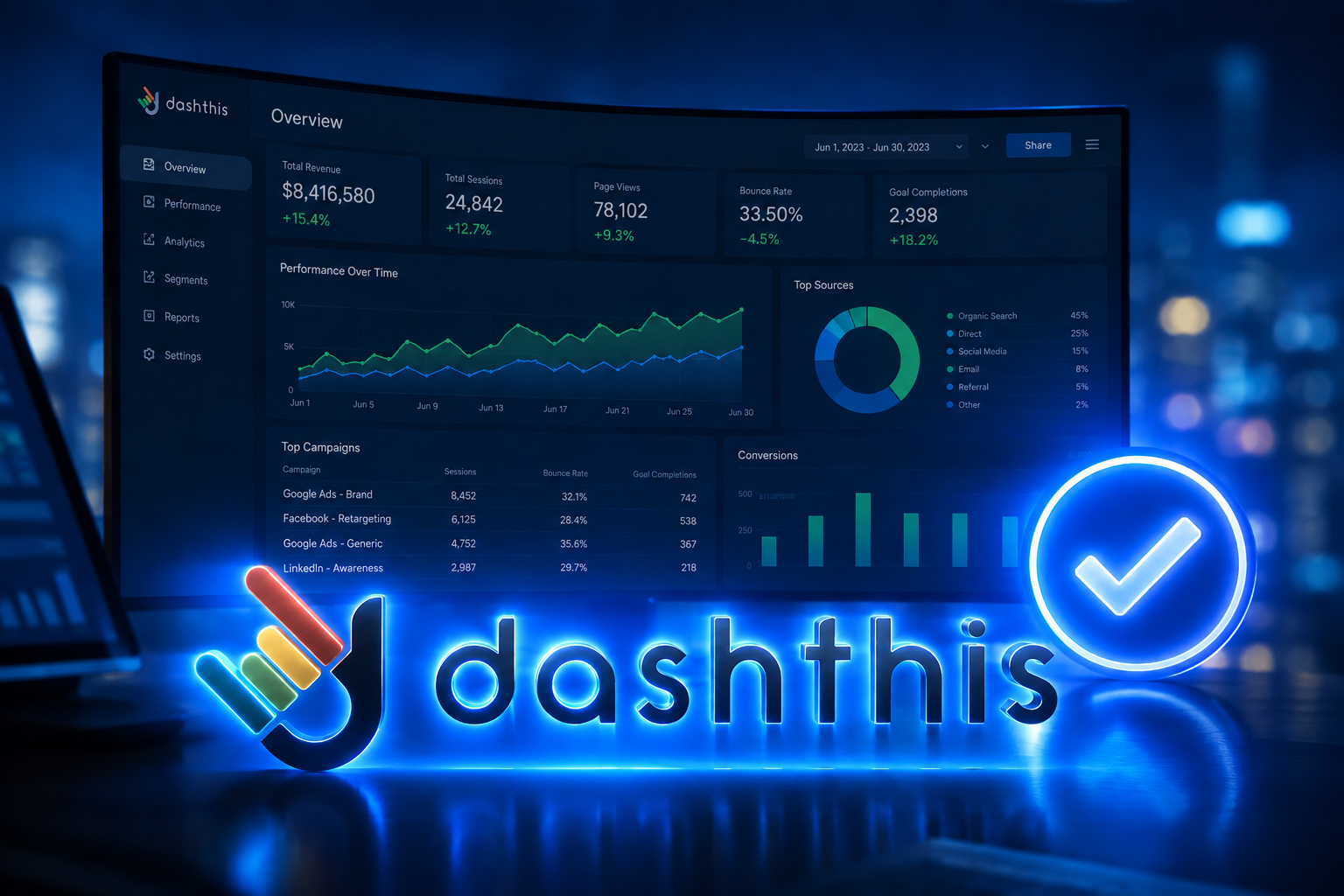
DashThis consolidates data from 30+ marketing platforms into automated, client-ready dashboards. It’s a strong fit for agencies and teams drowning in manual reporting, but pricing scales with dashboards and sources, which can get costly as you grow.
What Is DashThis?
DashThis is a marketing reporting platform founded in 2011 in Quebec City. It pulls data automatically from over 30 marketing sources — including Google Analytics, Google Ads, Meta Ads, Search Console, Shopify, and major social platforms — and organizes them into a single, automatically updating dashboard.
Unlike general-purpose BI tools, DashThis is built specifically for marketing reporting. It doesn’t try to be a full analytics or business intelligence suite; it focuses on aggregating and visualizing marketing KPIs without requiring technical setup. This makes it one of the more accessible reporting layers for businesses building out their broader AI online business stack in 2026.
The Real-World Scenario
Picture a small agency managing eight clients. Every Monday, someone spends hours exporting data from Google Ads, Analytics, and three different social platforms into spreadsheets, then manually building slides for the client call. One tool update, one missed metric, and the whole report needs revising.
This is exactly the friction DashThis targets: not the analysis itself, but the manual compilation that eats hours every week. For a solo marketer or in-house team with two or three sources, the case is less urgent — this is where DashThis becomes more relevant to analytics strategy for online businesses than to raw reporting convenience.
How It Works
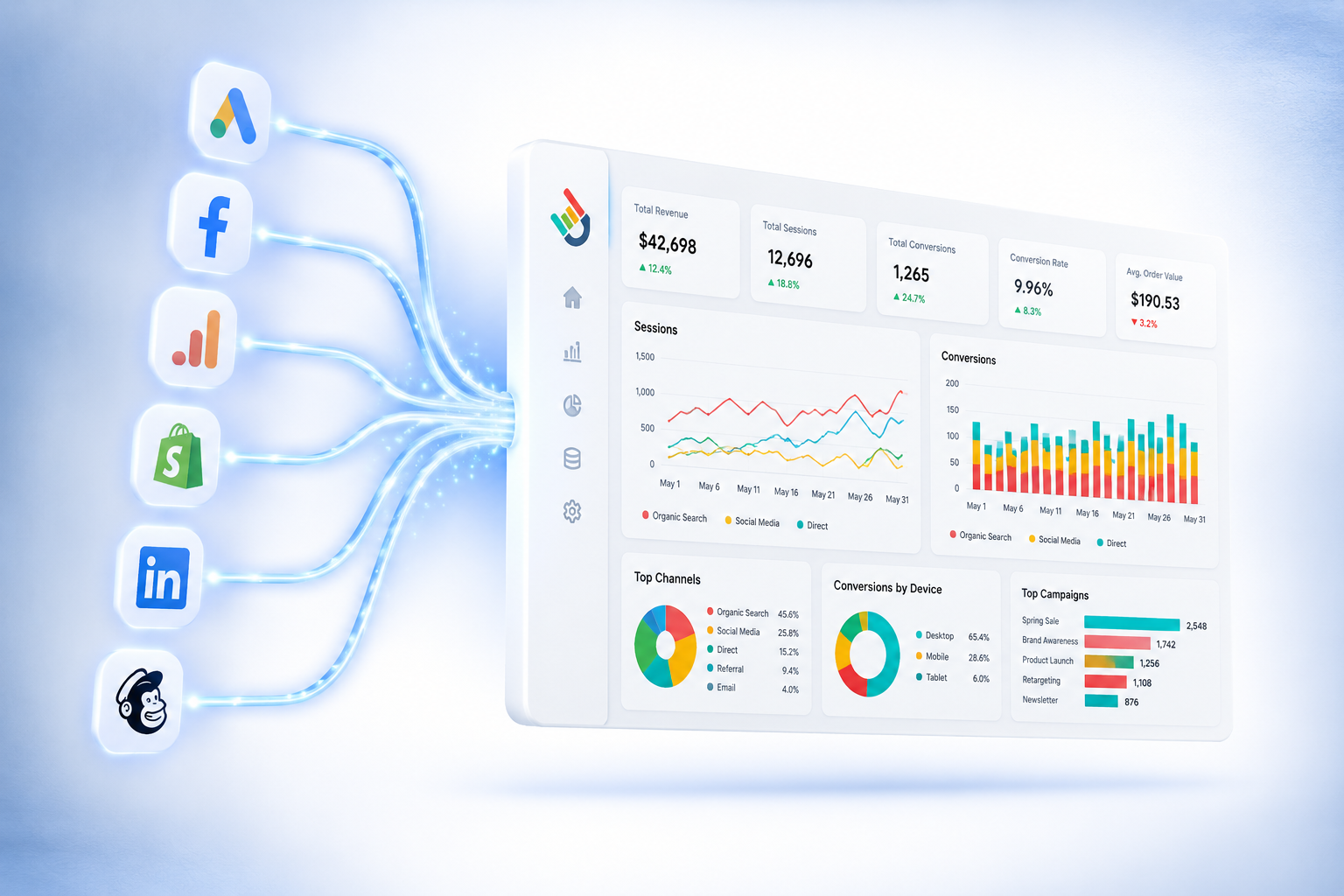
Setting up a DashThis dashboard follows a four-step flow: connect, select, arrange, and automate.
Connect. You link your marketing sources through DashThis’s native integrations — no manual CSV exports, no API keys to configure manually. Each connector authenticates directly with the platform (Google, Meta, etc.) through OAuth, and once connected, the source stays synced without requiring re-authentication for each report cycle.
Select. You choose which KPIs and metrics matter for that specific dashboard. This is where DashThis’s marketing-first design shows: instead of a blank canvas requiring you to build metrics from raw data (as in general BI tools), it offers pre-mapped fields specific to each platform — cost per click, conversion rate, engagement rate — ready to drop into a report without manual formula-building.
Arrange. Dashboards are built using prebuilt templates or a drag-and-drop widget system. Templates cover common use cases (PPC performance, social media overview, SEO tracking), which shortens setup time for standard reports. For custom needs, widgets can be resized, reordered, and combined across multiple sources within a single view.
Automate. Once built, the dashboard updates on its own schedule — no manual refresh needed. White-label reports can be configured to auto-send to clients or stakeholders at set intervals (weekly, bi-weekly, monthly), removing the recurring task of manually compiling and emailing updates.
For data that falls outside native integrations, DashThis includes a CSV file manager, allowing manual imports to sit alongside automated sources in the same dashboard — useful for niche platforms or internal metrics that don’t have a direct connector.
Who It’s For
- Marketing agencies managing multiple client accounts. The core pain point DashThis addresses — hours spent manually compiling reports across clients — scales directly with the number of accounts an agency manages. An agency handling ten clients across five channels each faces a compounding manual workload that automated, white-label dashboards remove almost entirely.
- In-house marketing teams running multi-channel campaigns. Teams tracking performance across paid ads, organic search, email, and social often end up toggling between five or six native platform dashboards to get a full picture. Consolidating those into one recurring view saves the recurring context-switching cost, not just the reporting time.
- Online business owners building a lightweight reporting layer. For businesses running lean marketing operations without a dedicated analytics hire, DashThis offers a middle ground: more structure than manually checking each platform, without the setup complexity of a full BI stack. This fits naturally into a broader AI-assisted marketing stack, where the goal is maximizing output per hour spent on operations rather than deep data science.
- Freelance marketers reporting to multiple clients. Freelancers juggling several client accounts face the same compounding reporting burden as small agencies, but often without the staff to absorb it. Automated report delivery functions as a built-in reporting assistant, freeing time for strategy and execution instead of formatting slides.
Who It’s NOT For

- Solo marketers with a single data source. If you’re only tracking Google Analytics or one ad platform, native reporting tools already cover this — DashThis’s value comes from aggregation across multiple sources.
- Teams needing advanced data analysis or predictive modeling. DashThis is a reporting and visualization tool, not a BI platform with SQL-level querying or advanced statistical modeling.
- Fast-scaling agencies with many clients and limited budget. Because pricing is tied to dashboard and source counts, growing past a tier can mean a meaningful cost jump — this deserves a careful read of the pricing section below before committing.
- Anyone needing a permanent free option. There’s no free tier, only a 14-day trial.
Pros
- Genuine time savings on manual reporting. Automated syncing removes the recurring export-and-rebuild cycle that eats hours weekly for agencies with multiple clients.
- Broad integration coverage. 30+ native connectors span analytics, ads, SEO, and social — enough to cover most common marketing stacks without custom development.
- Low technical barrier. Prebuilt templates and drag-and-drop widgets mean non-technical teams can build usable dashboards without IT support.
- White-label client reporting. Automated, branded report delivery removes a manual step agencies otherwise repeat for every client, every cycle.
- Strong public review scores. 4.7/5 on G2 and 4.5/5 on Capterra suggest consistent satisfaction across real users, not just marketing claims.
Cons
- Pricing scales with both dashboards and sources. Since March 2026, DashThis moved from a dashboard-only pricing model to one based on dashboards and sources. This means a business connecting many platforms per dashboard can hit source limits faster than expected, forcing an upgrade even with a modest number of dashboards.
- Connector depth varies by platform. Some integrations don’t pull granular, platform-specific dimensions (for example, certain ad-level quality metrics), which can require manual data supplementation for advanced use cases.
- No permanent free plan. Compared to free alternatives like Looker Studio, DashThis requires ongoing investment even for a single dashboard — the trade-off is setup speed and maintenance versus cost.
Pricing and What’s Included
DashThis’s March 2026 pricing update ties cost to two variables — the number of dashboards and the number of connected data sources — rather than dashboards alone. Understanding how “sources” are counted matters more than the sticker price on each tier.
| Plan | Price (yearly billing) | Dashboards | Sources |
|---|---|---|---|
| Individual | $44/mo | 3 | 15 |
| Professional | $139/mo | 10 | 40 |
| Business | $279/mo | 25 | 100 |
| Standard | $429/mo | 50 | 200+ |
A source is counted per connected integration, per dashboard. If a single dashboard pulls data from Google Ads, Meta Ads, and Google Analytics, that’s three sources — even though it’s one dashboard. This means the practical cost driver isn’t how many client reports you run, but how many platforms feed into each one. An agency with five dashboards, each connecting to six different marketing platforms, uses 30 sources — potentially requiring a higher tier than the dashboard count alone would suggest.
This distinction matters most for two profiles: agencies with fewer clients but complex, multi-channel reporting per client, and businesses consolidating many niche platforms into a small number of dashboards. Both can hit source ceilings well before dashboard ceilings, making the entry-level Individual plan ($44/mo, 3 dashboards, 15 sources) misleading for anyone running more than 4-5 sources per dashboard.
What’s consistent across every tier — a meaningful point in DashThis’s favor — is that all 30+ integrations, white-label branding, and automated report scheduling are included from the entry plan up. There’s no feature-gating by tier, only capacity-gating by dashboard and source count. Competitors that charge separately for white-labeling or restrict integrations to higher plans don’t offer this same consistency.
The practical takeaway: before selecting a plan, map your actual source count per dashboard during the 14-day trial. A business assuming it needs the Individual plan based on “3 dashboards” alone may find it actually needs Professional once every connected platform is counted individually.
How It Compares to Alternatives
Compared to free tools like Looker Studio, DashThis trades a subscription cost for speed: ready-made connectors and templates mean a dashboard can be live in minutes, not hours, with no manual query-building or technical setup required. That convenience compounds fast for teams managing multiple clients or channels, where setup time is repeated every time a new report is needed.
Where DashThis stands out most is breadth — 30+ native integrations covering the most common marketing and ad platforms, all included at every pricing tier, with no connector locked behind a higher plan. For teams that need one consolidated view across many channels rather than deep, single-source technical customization, this is a genuine efficiency advantage over tools that require more manual configuration per connector.
For a fuller breakdown of how DashThis stacks up against other AI-driven tools relevant to online business operations, see our comparison in best AI tools for online businesses in 2026.
Final Verdict
DashThis delivers on its core promise: turning scattered marketing data into a single, automated, always-updating dashboard — with zero manual exports and no technical setup required. The real value is time: agencies and teams juggling multiple client reports or channels get white-label, ready-to-send dashboards that update themselves, replacing hours of recurring manual work.
Since the March 2026 pricing update introduced dashboard-plus-source tiers, it’s worth mapping your setup during the 14-day trial, especially if you’re connecting many sources per dashboard. For most marketing teams and agencies, though, the combination of broad integrations, fast setup, and automated white-label reporting makes DashThis a strong, low-maintenance choice for ongoing performance tracking.
FAQ
Does DashThis offer a free plan?
No, DashThis does not have a permanent free tier. It offers a 14-day free trial with access to 10 dashboards, after which a paid plan is required.
How does DashThis’s new pricing structure work?
Since March 2026, plans are based on both the number of dashboards and the number of connected data sources, not dashboards alone. This means a setup with many integrated sources per dashboard can require a higher tier than expected.
Is DashThis suitable for advanced data analysis, not just reporting?
No, DashThis is built for reporting and visualization, not advanced analytics or predictive modeling. Teams needing SQL-level querying or deep statistical analysis should consider a dedicated BI tool instead.
Who should NOT use DashThis?
Solo marketers with a single data source, teams needing advanced analytical capabilities, and agencies scaling fast with tight budgets may find better value elsewhere, given the source-based pricing structure.
How many integrations does DashThis support?
DashThis connects with over 30 marketing platforms, including Google Analytics, Google Ads, Meta Ads, Search Console, Shopify, and major social networks, with all integrations available across every pricing tier.
What do real users say about DashThis on review platforms?
DashThis holds a 4.7/5 rating on G2 and 4.5/5 on Capterra, indicating consistently positive user experiences, though individual connector depth and pricing concerns appear in some detailed reviews.
About the Author
Lydia — Salles & Co. Digital
Lydia covers AI-driven tools and platforms for online business owners looking to streamline operations, from analytics and reporting to premium digital programs. Her focus is on practical evaluation over hype, helping readers match tools to their actual workflow needs.
Some links may be affiliate links, meaning she may earn a commission at no additional cost to you.