
Last Updated on September 29, 2026 by Lydia — Salles & Co. Digital
Disclosure: This Mailivery review contains affiliate links. If you sign up for Mailivery through a link on this page, we may earn a commission at no additional cost to you. We only recommend tools we’ve researched thoroughly and believe genuinely serve our readers’ outreach stack.
TL;DR — Quick Verdict
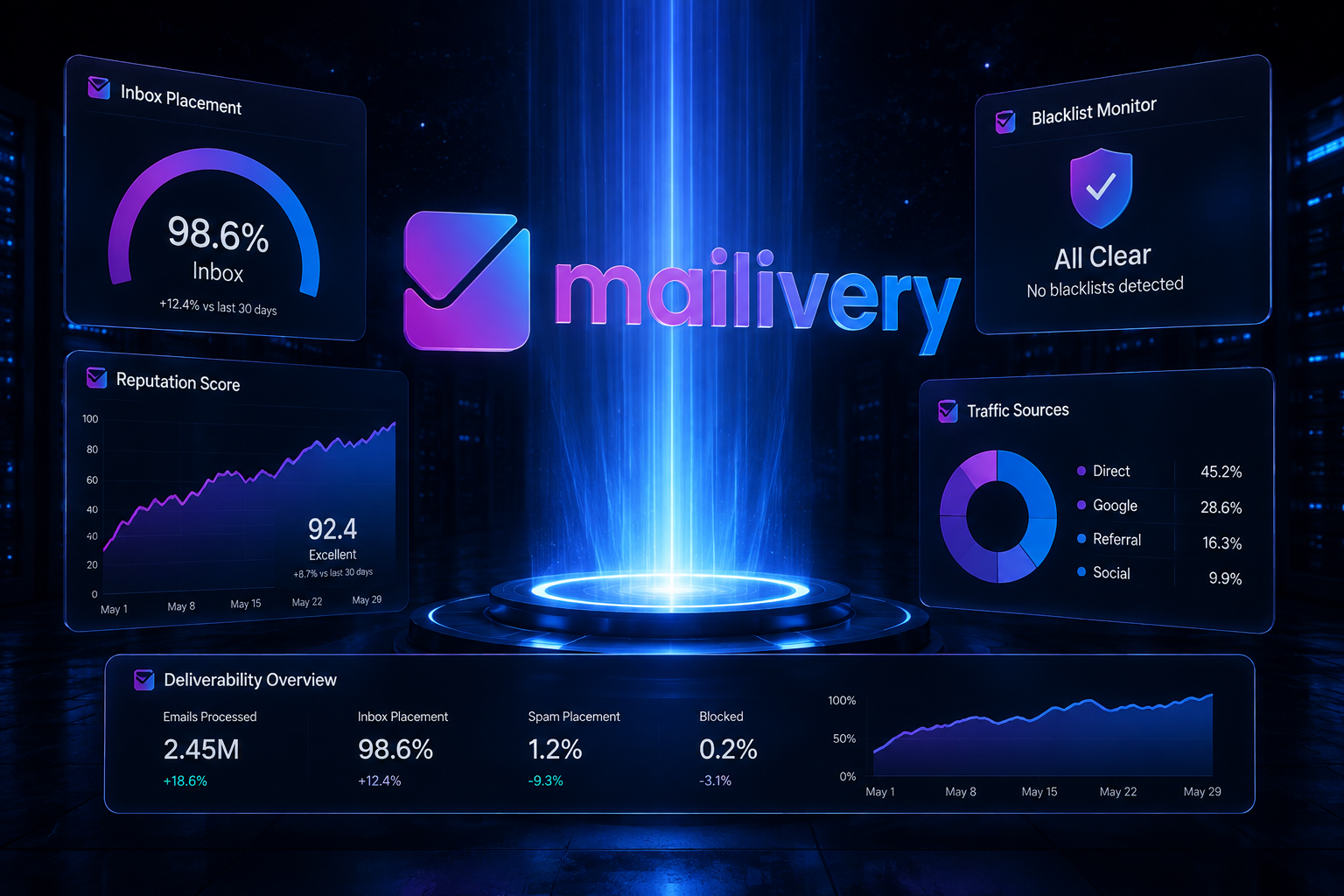
Mailivery is a warm-up and deliverability tool that uses AI-driven interactions across a peer-to-peer network of real inboxes to rebuild sender reputation and keep cold emails out of spam. It works well for solopreneurs and small teams running 2–6 mailboxes who need blacklist monitoring, verification, and inbox-placement testing bundled into one subscription. It gets diluted fast once you scale past 10 connected inboxes, since warm-up volume is shared across your entire account rather than allocated per mailbox.
What Is Mailivery?
Mailivery is an email warm-up and deliverability platform built for people who send cold outreach at volume — sales teams, agencies, and solopreneurs running lead-gen campaigns. Instead of sending emails to your prospects, Mailivery connects your mailbox to a network of over 100,000 active, verified inboxes. Its AI generates natural-sounding email exchanges — opens, replies, and “save from spam” actions — that teach Gmail, Outlook, and Yahoo’s spam filters that your domain belongs to a trusted, engaged sender.
The pitch is straightforward: cold email volume damages sender reputation over time, and warm-up simulates the kind of positive engagement that offsets that damage. Mailivery doesn’t send your actual campaigns — it runs quietly in the background while you use a separate outreach tool (Instantly, Smartlead, Woodpecker, and similar platforms are common pairings).
If you’re building or scaling an AI-powered sales funnel, warm-up sits at a specific point in that stack: after your list and copy are ready, but before you hit send at scale.
The Real-World Scenario
Picture this: you’ve just set up a new domain for cold outreach, connected three mailboxes, and loaded a sequence into your sending tool. Everything looks ready. Then open rates come back at 8%, and a quick spam test confirms it — half your emails are landing in Promotions or Spam before a single prospect even sees the subject line.
This is the exact problem warm-up tools exist to solve. New domains and recently reactivated mailboxes have no sending history, so mail providers treat them with suspicion by default. Mailivery’s job is to build that history artificially but believably, so by the time your real campaign launches, your domain already looks established.
How Mailivery Works
Mailivery’s mechanism has three moving parts:
1. The interaction network. Your connected mailbox is paired with other active accounts in Mailivery’s network. AI-generated emails are exchanged back and forth — sent, opened, replied to, and occasionally rescued from a spam folder — mimicking how a real, engaged inbox behaves.
2. Reputation monitoring. Every plan includes blacklist monitoring across dozens of lists, so you’re alerted if your domain or IP gets flagged before it tanks a campaign.
3. Inbox placement testing. You can send a test email and see, in real time, whether it lands in the primary inbox, promotions, or spam across Gmail, Outlook, and Yahoo — useful for diagnosing issues before you scale sending volume.
The technical execution is solid. The nuance worth understanding before you buy is how volume is allocated: Mailivery lets you connect unlimited mailboxes on every plan, but the daily warm-up volume is shared across all of them. On the Starter plan, that’s 200 warm-up emails per day split across however many inboxes you’ve connected — which is generous for two mailboxes and thin for eight.
This shared-volume design matters most when warm-up is one piece of a larger warm-up strategy inside a full AI sales funnel — the math changes significantly depending on how many inboxes you’re actually running.

Who Mailivery Is For
Mailivery fits a fairly specific profile well:
- Solopreneurs and small agencies running 2–6 cold email mailboxes who want warm-up, blacklist monitoring, and verification in a single subscription instead of three separate tools.
- Teams already using a dedicated outreach platform (Instantly, Smartlead, Apollo, etc.) that need a background warm-up layer rather than a full-featured sending tool.
- Anyone recovering a damaged domain reputation after a previous outreach mistake, who needs structured, monitored warm-up rather than guesswork.
- Budget-conscious senders who want unlimited mailbox connections instead of paying a per-inbox fee that scales linearly with account count.
Who Mailivery Is NOT For
This is the part most reviews skip, and it matters.
- Agencies or teams running 15+ mailboxes. The shared-volume model dilutes fast at scale. Once you’re managing double-digit inboxes, the warm-up allowance per mailbox drops low enough that reputation-building slows meaningfully, and a per-inbox pricing competitor may actually work out cheaper and more effective.
- People expecting warm-up to fix bad fundamentals. Mailivery cannot compensate for missing SPF/DKIM/DMARC records, a purchased or low-quality list, or aggressive sending volume from day one. Warm-up improves reputation signals; it doesn’t rescue technically broken setups.
- Anyone looking for an all-in-one cold email platform. Mailivery doesn’t send your campaigns, manage sequences, or handle replies. If you want a single tool that does everything, this isn’t it — you’ll still need Instantly, Smartlead, or a similar sender.
- Very light senders. If you’re sending from one mailbox at low volume, the $29/month entry price may be more than the problem justifies.
What’s Included and Pricing
Mailivery runs three monthly tiers, all with unlimited mailbox connections and the full deliverability bundle (warm-up, blacklist monitoring, email verification, inbox placement testing):
- ✓ Unlimited mailboxes
- ✓ 2 blacklist monitors
- ✓ 100 email verification credits
- ✓ 10 inbox placement test credits
- ✓ Up to 30% response rate
- ✓ Unlimited mailboxes
- ✓ 10 blacklist monitors
- ✓ 500 email verification credits
- ✓ 30 inbox placement test credits
- ✓ Up to 55% response rate
- ✓ Unlimited mailboxes
- ✓ 50 blacklist monitors
- ✓ 2,000 email verification credits
- ✓ 100 inbox placement test credits
- ✓ Up to 55% response rate
Annual billing knocks roughly 25% off each tier. A 7-day free trial is available on all plans, which is enough time to run an inbox placement test and get a feel for the dashboard, though not enough to see a full reputation shift (warm-up typically needs 2–4 weeks to show measurable results).
Comparing Mailivery Against Alternatives
Mailivery’s core differentiator is unlimited mailboxes with shared volume, versus the more common per-inbox pricing model used by tools like Warmforge, Lemwarm, or Salesforge. That structure favors small teams with a handful of mailboxes and starts working against you as inbox count grows.
Independent inbox-placement benchmarks (including a third-party Skylead comparison) put Mailivery’s placement rate around 94% — competitive with category leaders, though not dramatically differentiated from them. Where Mailivery pulls ahead is the bundled toolkit: blacklist monitoring across 70+ lists, verification credits, and placement testing come standard on every plan, rather than as paid add-ons.
If your stack already includes a robust outreach platform with warm-up baked in, adding Mailivery on top may be redundant. If you’re running a standalone setup and want the deliverability layer handled separately from your sending tool, Mailivery’s bundle makes a reasonable case for itself.
For a broader view of where warm-up tools sit alongside other AI-driven tools for running an online business, see our comparison of AI tools for online business.
Pros
- Unlimited mailbox connections on every plan — no per-inbox fee as you scale within your volume tier.
- Full deliverability bundle included by default (warm-up, blacklist monitoring, verification, placement testing) rather than gated behind upgrades.
- Real inbox network (100K+ active mailboxes) rather than a closed loop of only warm-up customers, which tends to produce more natural engagement signals.
- Transparent, real-time analytics on spam rate and reputation trend, useful for diagnosing issues before a campaign launch.
- Straightforward setup — connects to Gmail, Outlook, and most SMTP providers without heavy configuration.
Cons
- Shared warm-up volume dilutes with scale. More mailboxes doesn’t mean more warm-up power — it means splitting the same daily allowance across a growing number of accounts, which becomes a real constraint above 8–10 inboxes.
- No standalone sending features. You’ll still need a separate cold email platform for actual campaigns, adding to total stack cost.
- Limited third-party review volume. Aggregate ratings sit around 4.2–4.4/5, but the sample size (roughly 35–40 reviews across G2, Capterra, and Trustpilot combined) is small enough that it shouldn’t be treated as statistically conclusive.
- Response rate caps by tier. Lower plans cap warm-up email response rates at 30%, which may slow reputation-building compared to higher tiers.
Final Verdict
Mailivery does what it says: it builds sender reputation through AI-managed, believable inbox interactions, and it bundles the monitoring tools you’d otherwise buy separately. For solopreneurs and small teams running a handful of cold email mailboxes as part of an AI-driven sales funnel, it’s a reasonable, fairly priced piece of the stack. The unlimited-mailbox pricing model is genuinely useful at small scale and becomes a liability once you’re managing double-digit inboxes, where the shared volume no longer keeps pace with your reputation needs.
If your outreach setup fits the profile above — a few domains, a real outreach tool already in place, and a need for deliverability monitoring without extra per-inbox fees — Mailivery is worth the trial period to test against your own sending data.
FAQ
Does Mailivery replace a cold email sending tool like Instantly or Smartlead?
No. Mailivery only handles warm-up and deliverability monitoring in the background; you still need a separate platform to build sequences and send campaigns.
How long does it take to see results from Mailivery’s warm-up?
Most users report measurable reputation improvement within 2–4 weeks of consistent use, though the 7-day free trial isn’t long enough to see the full effect.
Is Mailivery worth it if I’m running more than 10 mailboxes?
It’s worth checking the math first — since warm-up volume is shared across all connected inboxes, scaling past 10 accounts on the lower tiers can dilute the warm-up effect per mailbox significantly.
Can Mailivery fix deliverability issues caused by a bad list or missing SPF/DKIM records?
No. Warm-up improves engagement signals, but it can’t compensate for broken email authentication or poor list quality — those need to be fixed independently.
What’s the difference between Mailivery’s plans besides price?
The main differences are daily shared warm-up volume (200/800/2,500 emails), number of blacklist monitors, verification credits, and inbox placement test credits — mailbox connections stay unlimited on all tiers.
Does Mailivery work with Gmail and Outlook accounts equally well?
Yes, the network is designed to warm up sender reputation across Gmail, Outlook, and Yahoo, with interactions distributed across all three to build a broad reputation signal.
About the Author
Lydia — Salles & Co. Digital
Lydia covers AI-powered tools and platforms for online business owners building leaner, smarter sales operations — from outreach infrastructure to full sales funnels. Her focus is practical: what actually holds up once you’re running it at scale.
Some links may be affiliate links, meaning she may earn a commission at no additional cost to you.