Last Updated on September 17, 2026 by Lydia — Salles & Co. Digital
Affiliate Disclosure: This article (Active Intelligence 3.0: Wavelength Automation Health) contains an affiliate link. If you sign up through the link below, we may earn a commission at no extra cost to you. We only recommend tools we’ve personally tested.
Quick Answer
Active Intelligence 3.0: Wavelength includes a set of features that surface issues inside your account before you go looking for them — Automation Health, Brand Monitoring, an AI Action Library that replaces the old prompt-blocking setup, and Scheduled Tasks. Instead of manually checking whether an automation is still running correctly or whether your brand settings are configured the way you expect, these tools make that visible without a manual audit. We opened each one directly inside an active ActiveCampaign account to see what they actually show.
Most platforms that promise “automated monitoring” really mean a report you still have to remember to check. We wanted to know whether Active Intelligence 3.0: Wavelength’s approach to automation and brand oversight is structurally different from that, or just a rebrand of the same dashboard.
What Changed From Active Intelligence 2.8
Nothing about Active Intelligence 2.8 got shut down — ActiveCampaign kept it running as the fallback layer beneath Active Intelligence 3.0: Wavelength. What changed is who’s responsible for catching a problem. Under 2.8, if an automation stalled or a brand asset drifted off-guideline, you were the one who found out — by opening that automation manually, clicking through its steps one by one, or comparing an email against a style guide by eye. There was no layer doing that check for you.
The features covered in this review shift that responsibility. Automation Health and Brand Monitoring both work by scanning your account’s existing setup on their own and flagging a specific problem — They point to the exact step, not just a vague performance warning. You’re still the one deciding what to do about it. You’re just not the one who has to go looking for it first.
Automation Health: Flagging the Break, Not Just the Automation
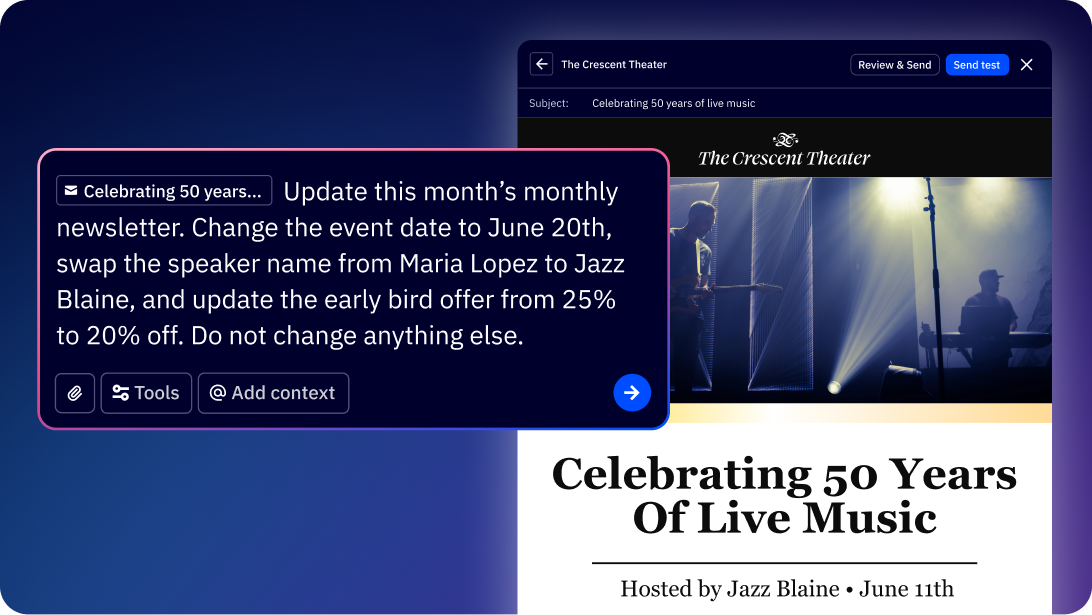
Automation Health points to the specific point of failure inside an automation, rather than just telling you an automation “isn’t performing.” That distinction matters more than it sounds. A vague performance flag still leaves you opening the automation and clicking through every step to find the problem. A flag that says which step broke, or where a small adjustment would fix it, saves that manual search.
The framing here is worth noting too: it’s built around a “small change, not rebuild” logic. Instead of treating every flagged issue as a reason to start over, it flags the minimum adjustment needed. Whether that holds up across every type of automation is something we couldn’t fully verify without a longer testing window inside a live account with multiple automations running — worth keeping in mind if this is the main reason you’re evaluating the tool.
Brand Monitoring: Consistency Without a Manual Audit
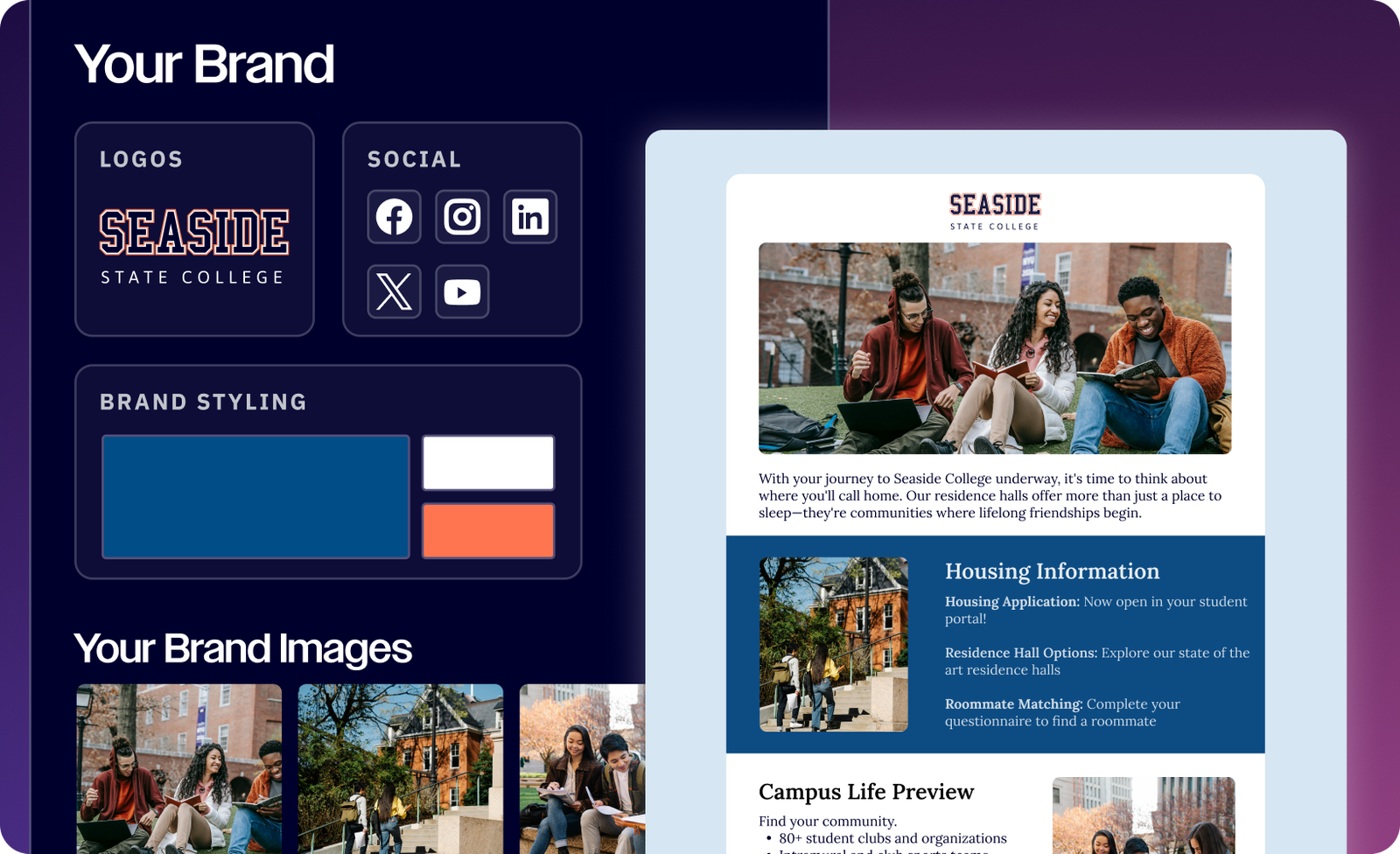
Brand Monitoring works from the account’s Brand Kit setup — the colors, fonts, and voice guidelines configured for the account — and references that configuration when checking whether content stays consistent with it. Instead of you personally reviewing every campaign or asset against a brand guideline doc, the system uses that same configuration as the reference point automatically.
For a small team without a dedicated brand or design person double-checking every asset, this is the kind of check that otherwise just doesn’t happen consistently — not because it isn’t valued, but because nobody has time to compare every email against a style guide by hand.
AI Action Library: The Renamed Prompt-Blocking Feature
What used to be called “Bloqueio de prompts de IA” (AI prompt blocking) is now the AI Action Library. This isn’t a cosmetic rename — the functionality moved from a narrow blocking mechanism to a broader library of pre-set actions you can apply. If you’ve read about “prompt blocking” in older material, that’s the same underlying feature under its current name.
In practice, this is where you’d go to see what specific AI-driven actions are available and configured for the account, rather than digging through a separate settings menu that no longer reflects the current naming.
Scheduled Tasks: Timing Without a Separate Calendar Tool
Scheduled Tasks lets you set specific actions to run at a defined time, rather than depending on an automation’s default trigger logic or starting something manually the moment you think of it. Instead of building an entire automation around timing, the action is scheduled directly and runs on its own.
According to ActiveCampaign’s documentation, this sits under the Active Intelligence 3.0: Wavelength umbrella alongside the other monitoring and action features covered here. For accounts juggling several time-sensitive sends — a reminder before a webinar, a follow-up the morning after a launch — this removes one more manual step from the calendar, without needing a separate scheduling tool bolted onto ActiveCampaign.
How This Fits Together
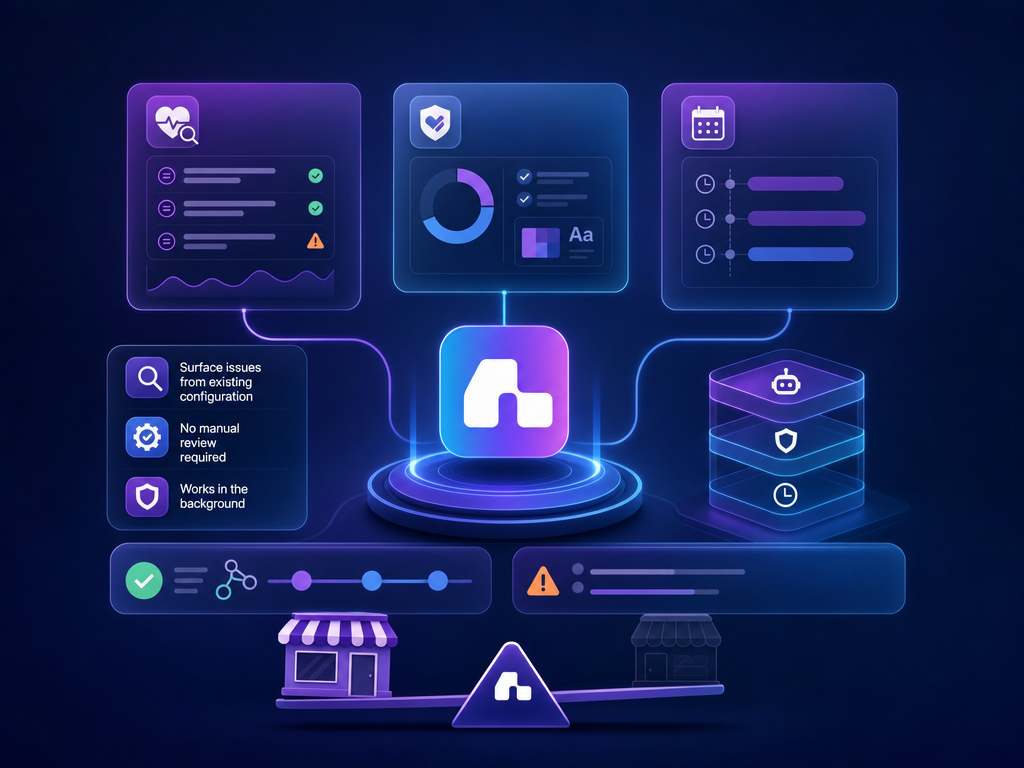
Automation Health and Brand Monitoring both work from the same underlying principle: surface a problem from existing account configuration instead of requiring a manual review. The AI Action Library is the control panel for which automated actions are actually enabled, and Scheduled Tasks adds a timing layer on top. None of these work as a single flashy AI chat — they’re closer to a set of monitoring and control layers sitting quietly underneath the account.
The honest limitation here is the same one we’d flag for any monitoring feature: it’s only as useful as the account activity feeding it. An account with several live automations and an established Brand Kit gives Automation Health and Brand Monitoring something concrete to check against. A brand-new account with one automation and no brand settings configured yet won’t see much value from either feature until there’s more in place.
These four features cover monitoring and control. For how Wavelength personalizes content using your account’s own history, see our full Active Intelligence 3.0: Wavelength review. For how it turns a brief into a structured campaign end-to-end, see our Unified Campaign Agent review.
Step-by-Step: Setting This Up in Your Account
- Confirm Active Intelligence 3.0: Wavelength is active in your account’s AI settings before checking individual features.
- Open Automation Health on an existing automation and see whether it flags a specific step rather than a vague performance summary.
- Set up or review your Brand Kit configuration first — Brand Monitoring is only useful once that reference point exists.
- Check the AI Action Library to see which actions are currently enabled, especially if you configured “prompt blocking” under the old name previously.
- If Scheduled Tasks is available on your plan, test it on a low-stakes action first before relying on it for anything time-sensitive.
Who This Is For (and Who It Isn’t)
This setup makes sense for small teams and solopreneurs running multiple live automations who don’t have the bandwidth to manually audit each one, or to check every asset against brand guidelines by hand. It’s also relevant if your account already has a Brand Kit configured and you want that investment to actually get used for monitoring, not just campaign design.
It’s less useful if you’re new to ActiveCampaign with one or two automations and no brand configuration yet — there’s simply not enough set up for these features to reference. It’s also not the right fit if what you’re looking for is a faster way to write content; these features are about oversight and consistency, not content generation.
Limitations Worth Naming
Access to Scheduled Tasks depends on account tier, so if you’re on a trial or a lower plan, confirm availability before counting on it. The claim that Automation Health suggests a “small change” rather than a rebuild is also worth testing across your own automations before taking it at face value — behavior can vary depending on complexity.
Something we noticed testing this: Automation Health, Brand Monitoring, and the AI Action Library don’t display any pricing or credit consumption inline. If that’s a factor in how you plan to use these features day-to-day, confirm it in your account settings rather than assuming it’s visible from inside the feature itself.
Final Verdict
Active Intelligence 3.0: Wavelength’s monitoring layer isn’t meant to replace your judgment — it shortens the distance between something going wrong and you finding out. Automation Health and Brand Monitoring both work from that same idea: reference what’s already configured in the account and flag the gap, instead of asking you to go looking for it. For a team already running several automations with a Brand Kit in place, that’s a real reduction in manual review. For a newer account, there’s not enough set up yet for these features to have much to work with.
If your account already has automation and brand activity, this is worth testing directly.
FAQ
Does Automation Health fix problems automatically?
No — it flags the specific issue and suggest a targeted change; you still review and apply it.
What happened to “AI prompt blocking”?
It was renamed to the AI Action Library, with a broader set of configurable actions under the same area.
Can I use the AI Action Library without setting anything up first?
No — it surfaces the actions currently enabled for your account, so you’ll get more value once you’ve reviewed what’s configured under the renamed feature.
Is Active Intelligence 2.8 gone?
No — it now runs as the base fallback experience underneath Active Intelligence 3.0: Wavelength.
Does Brand Monitoring work without a Brand Kit set up?
No — Brand Monitoring references your existing Brand Kit configuration as its baseline, so it won’t have much to check against until that’s set up first.
About the Author
Lydia — Salles & Co. Digital
Lydia tests marketing platforms hands-on, focusing on how AI features are actually configured and used in practice. She writes for Next Level Learning Hub, covering practical takeaways from tools marketers use daily. Learn more
Official Source: ActiveCampaign — Active Intelligence 3.0: Wavelength product documentation, accessed 2026.