
AI automation in online business works when workflows are structured before automation is applied. In 2026, the most effective businesses use AI to automate repetitive execution, reduce operational friction, and increase consistency — while keeping strategy, positioning, and decision-making under human control.
If you want to understand how automation fits into the bigger AI business ecosystem, start with the full system here:
AI for Online Business in 2026
The Real Problem: You Don’t Have a Time Problem
Most people think:
“I need AI to save time.”
That’s not the real issue.
The real problem is:
You don’t have a system.
What’s actually happening:
- Tasks are scattered
- Processes are undefined
- Execution depends on memory
- Everything feels urgent
AI doesn’t fix this.
It amplifies it.
Why “Automate Everything” Is Usually a Mistake
Automation sounds good — until it breaks your business.
What people try to do:
- Automate content
- Automate emails
- Automate customer responses
- Automate everything at once
What actually happens:
- Broken workflows
- Confused messaging
- Missed opportunities
- Loss of control
Automation without structure = faster chaos
The AI Automation Framework That Actually Works
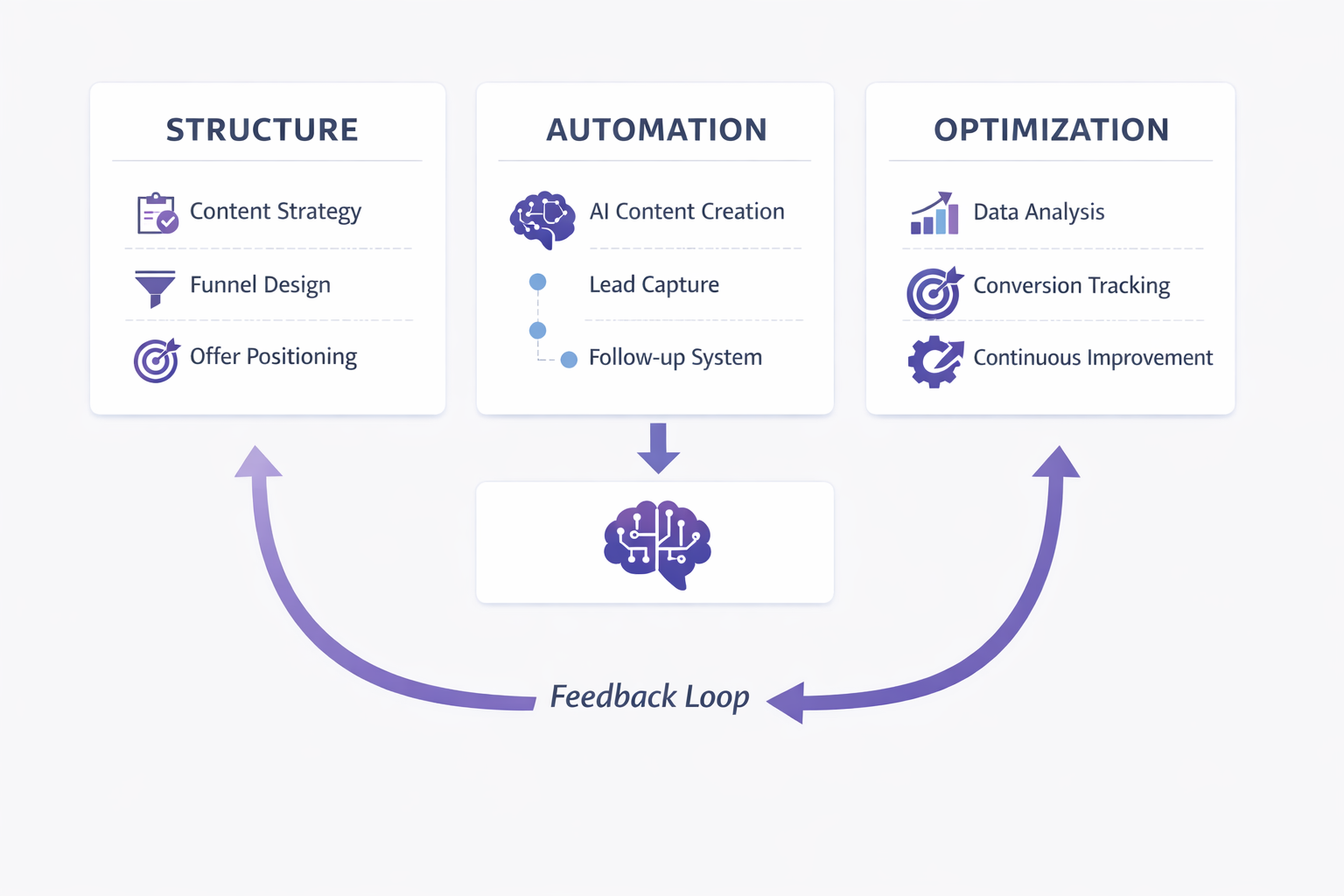
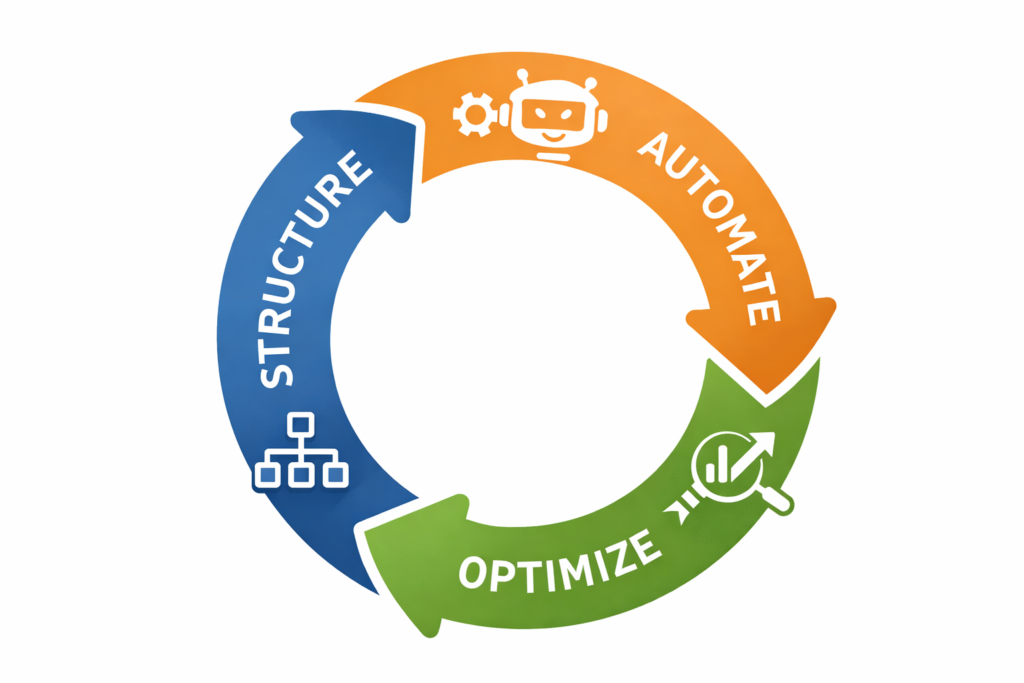
To use AI correctly, you need to follow a sequence:
Structure → Then Automate → Then Optimize
Step 1 — Map Your Workflow (Before Any AI)
Before using any tool, you need clarity.
Ask:
- What are the recurring tasks?
- What triggers each action?
- What outcome is expected?
Example:
Instead of:
“I need to automate my business”
Define:
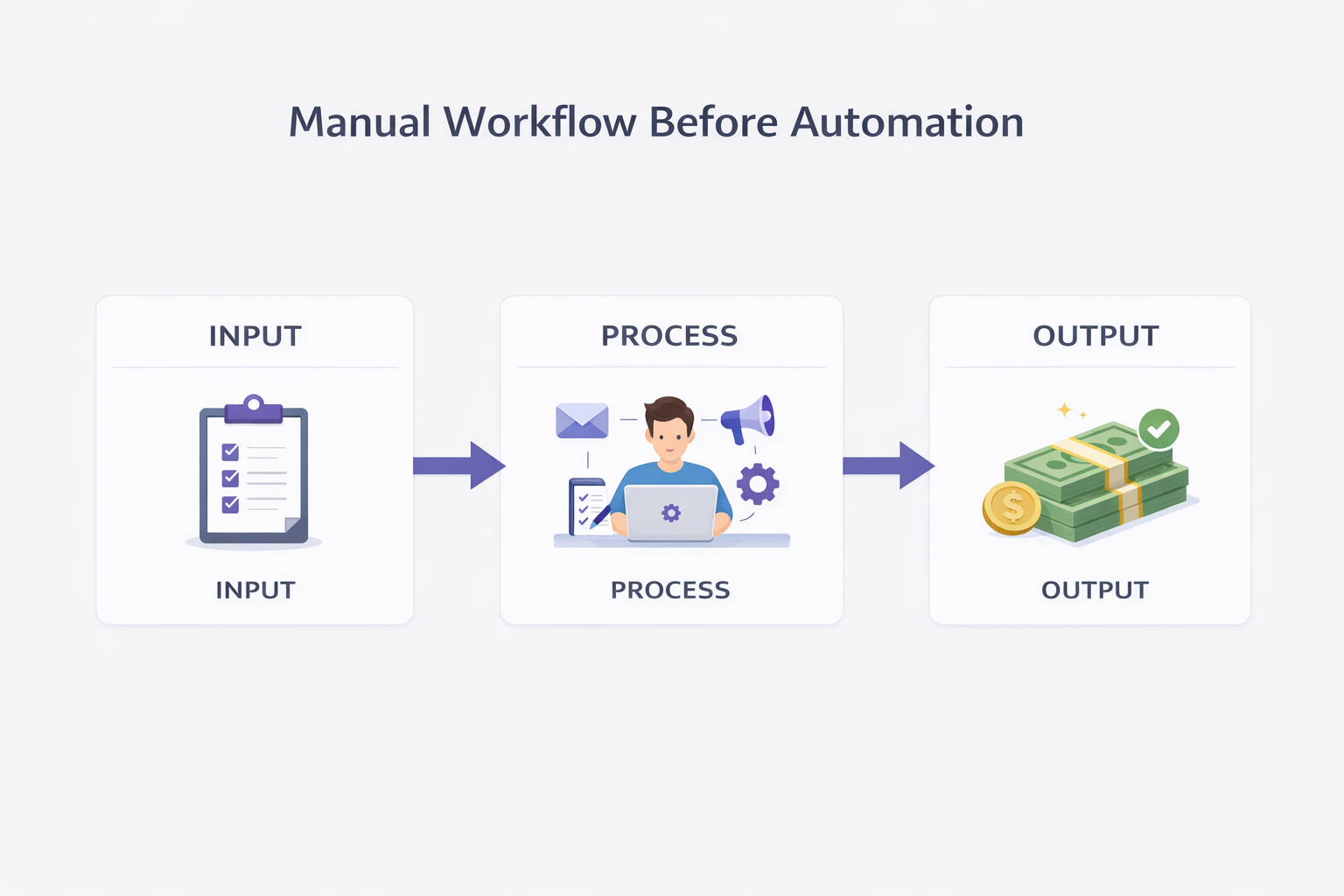
“When someone becomes a lead → send welcome → follow-up → offer”
Step 2 — Identify Repetitive Tasks
AI works best when:
- Tasks are repetitive
- Rules are clear
- Outcomes are predictable
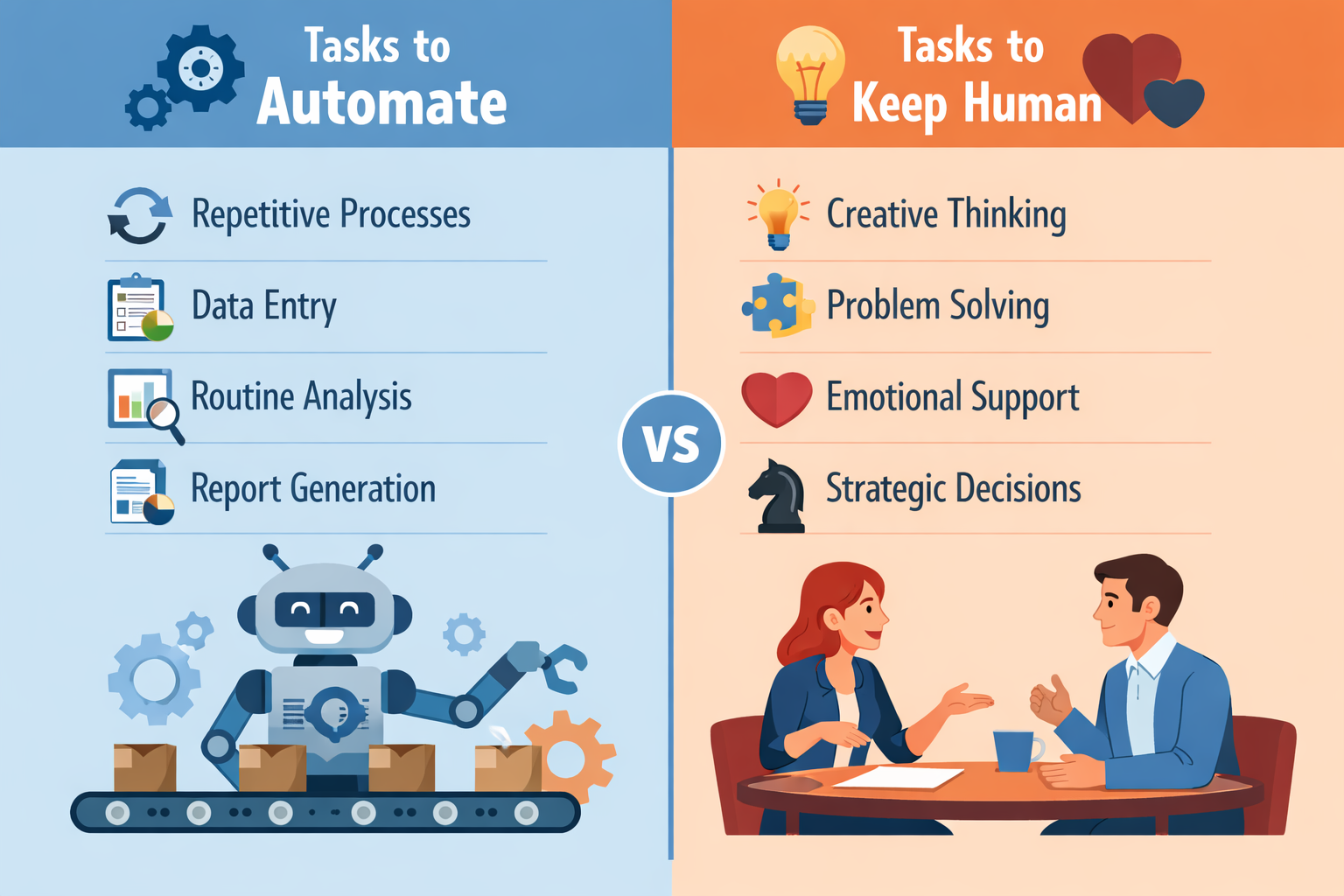
Good candidates for automation:
- Email sequences
- Lead tagging
- Content scheduling
- Basic customer replies
Workflow tools become more useful when they help organize recurring execution before automation is layered on top. Taskade is one example of a platform designed to support that kind of operational structure.
Bad candidates:
- Strategic decisions
- Complex negotiations
- Creative positioning
Don’t automate thinking
Automate execution
What Should Be Automated First?
If you’re building from scratch, start where AI creates the most operational relief without compromising quality.
Best first layers to automate:
- Lead handling
- Follow-up sequences
- Content distribution
- Repetitive admin workflows
What should stay human first:
- Offer positioning
- Strategic messaging
- Relationship-critical communication
- Final business decisions
The best AI systems don’t remove human value.
They remove operational drag.
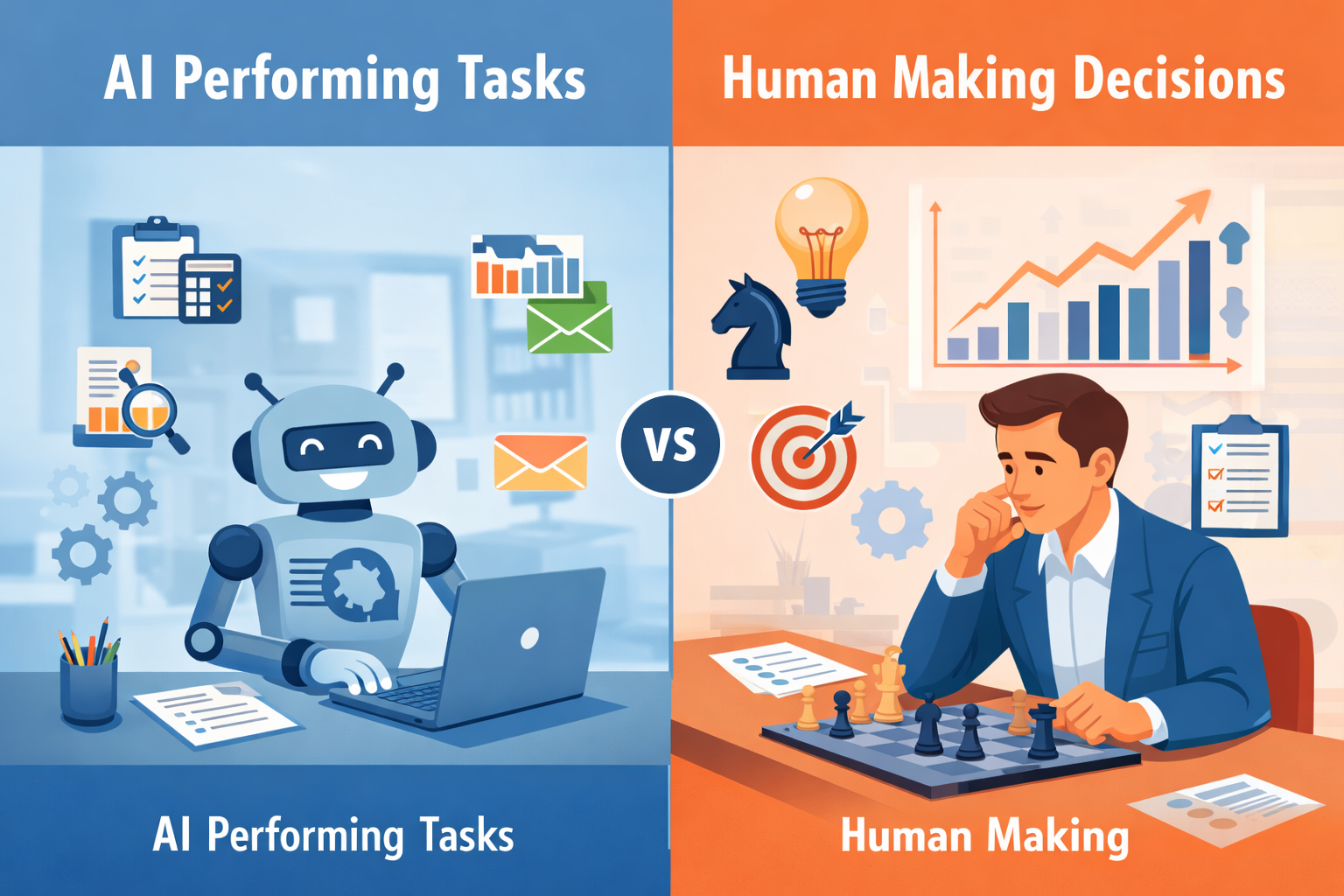
Step 3 — Apply AI to Execution (Not Strategy)
This is where AI becomes powerful.
It can:
- Trigger actions
- Personalize responses
- Process data
- Execute workflows
But it should NOT:
- Define your business model
- Decide your positioning
- Replace human judgment
AI should reduce execution load — not replace strategic clarity.
Where Most Automation Setups Fail
Most automation problems are not technical.
They are structural.
Common failure points:
- Automating broken processes
- No visibility into what is happening
- Too many disconnected tools
- No ownership of the workflow
Mistake 1 — Automating Broken Processes
If your workflow doesn’t work manually:
It won’t work automated.
Mistake 2 — Over-Automation
Too many automations become:
- Hard to manage
- Easy to break
- Difficult to optimize
Mistake 3 — No Visibility
If you can’t see what’s happening:
You can’t improve it.
Mistake 4 — Tool Overload
Using too many tools without integration creates:
- Fragmentation
- Redundancy
- Confusion
What Actually Works vs What Doesn’t
✅ What Works
- Simple workflows
- Clear triggers
- Defined outcomes
- Gradual automation
❌ What Doesn’t
- Automating everything at once
- Complex setups from the start
- No system logic
- Tool-first approach
Before vs After (Real Operational Impact)

Before AI Automation
- Manual execution
- High workload
- Inconsistency
- Bottlenecks

After AI Automation
- Streamlined workflows
- Reduced manual effort
- Consistent execution
- Scalable operations
Same business
Completely different efficiency
The Right Way to Implement AI Automation
Phase 1 — Clarity
Define:
- Workflow
- Inputs
- Outputs
Phase 2 — Simplification
Remove:
- Unnecessary steps
- Redundant actions
Phase 3 — Automation
Apply AI to:
- Repetitive execution
- Trigger-based actions
Phase 4 — Optimization
Track:
- Performance
- Errors
- Opportunities
If you want to see how automation connects with content and funnels into one system:
Summary
- AI automation works only after workflows are defined
- The correct sequence is: structure → automate → optimize
- Automating broken processes creates chaos
- AI should handle execution, not strategy
- Simplicity and clarity are key for scalable automation
Conclusion
AI didn’t make business easier.
It made inefficiency more visible.
The difference between:
- Overwhelmed businesses
- Scalable systems
is not effort.
It’s structure.
And once the structure is clear:
Automation stops being risky
—and starts becoming leverage.
About the Author
Lydia (Salles & Co. Digital) is a Strategic Affiliate focused on international digital products, AI tools, premium programs, and high-level business opportunities. She analyzes platforms, launches, and ecosystems from a practical, results-driven perspective before recommending them.