
Databox is worth it in 2026 if you already have traffic, sales, or campaigns running and need a centralized way to track performance and make decisions. It does not generate growth by itself, but it becomes powerful when used as part of a structured system that connects traffic, conversion, and analytics. For early-stage users without data, its value is limited.
But here’s the critical distinction:
If you’re not thinking in terms of systems yet, this is where most businesses get stuck.
A full breakdown of how AI-driven systems actually work — from traffic to decision-making — is covered here:
→ The Role of AI in Building and Scaling an Online Business in 2026
Databox only makes sense when you understand that bigger picture.
The Real Problem Isn’t Data — It’s Decision-Making
Most online businesses don’t fail because they lack tools.
They fail because:
- they track too many disconnected metrics
- they rely on platform dashboards in isolation
- they can’t translate data into decisions
This is exactly where tools like Databox enter the conversation.
But here’s the critical distinction:
Databox is not a growth tool
It is a decision layer
And if you misunderstand that, you’ll either:
- overestimate it
or - never extract its real value
Where Databox Fits in an AI-Driven Business System
If you’ve read the full breakdown of how AI is reshaping online businesses in 2026, you already know:
growth today is built on systems, not tools
Inside that system, Databox sits here:
Traffic → Conversion → Operations → Analytics → Decision
Databox = Analytics + Decision Interface
What it actually does:
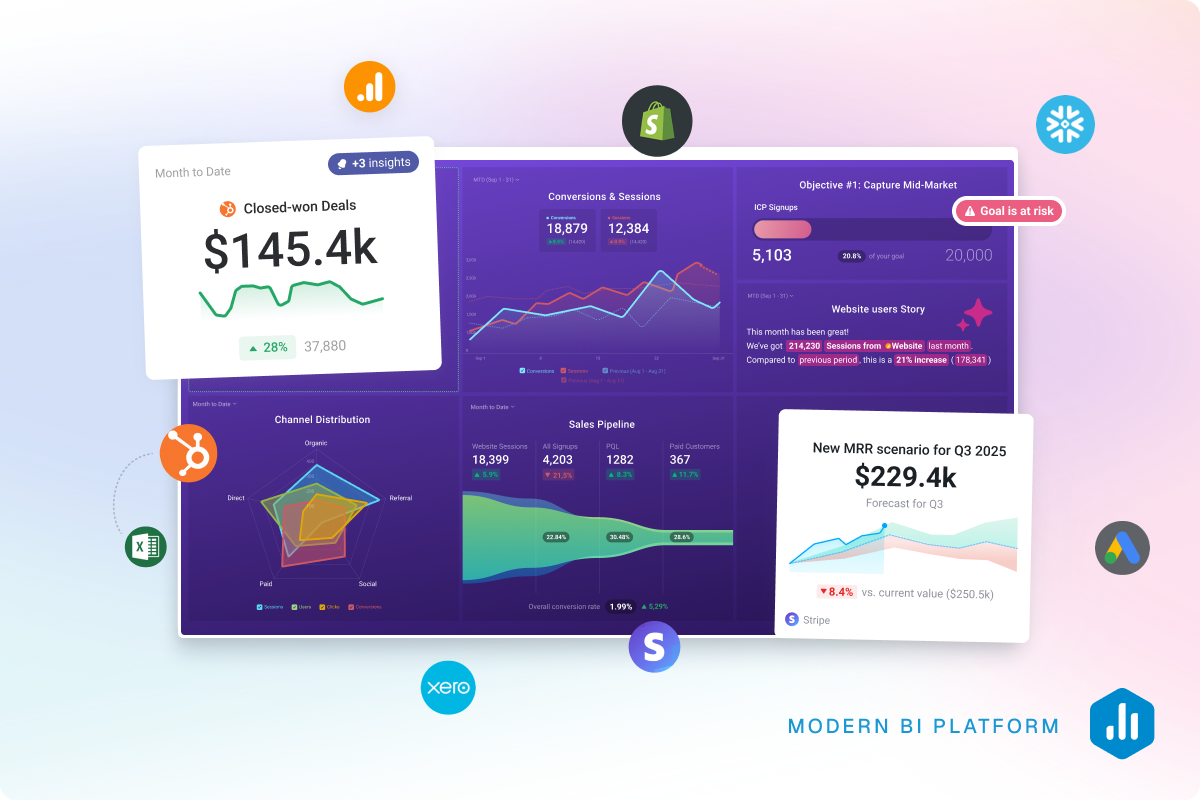
- aggregates data from multiple sources
- visualizes key metrics in dashboards
- reduces dependency on scattered tools
What it does NOT do:
- generate traffic
- improve conversion by itself
- replace strategy
How Databox Works in Practice
From an operational perspective, Databox works in three layers:
1. Data Integration
You connect platforms like:
- Google Analytics
- Facebook Ads
- Shopify
- CRM tools
Result: all metrics centralized
2. Dashboard Creation
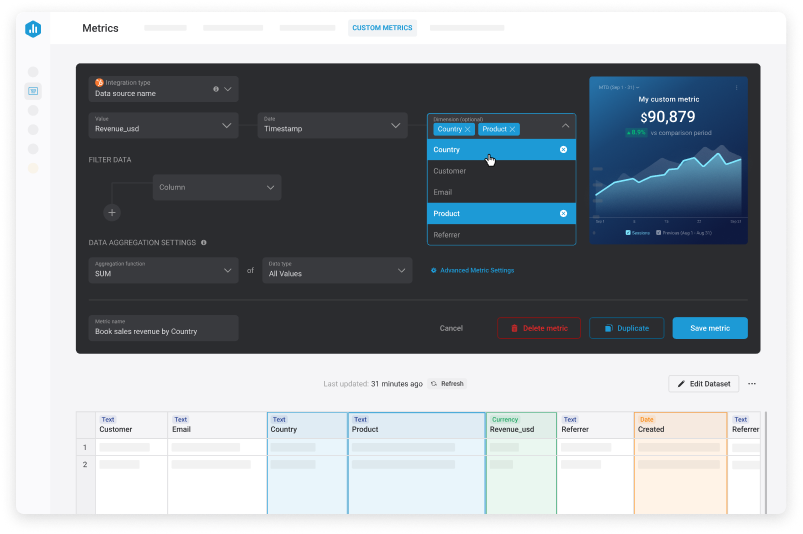
You build custom dashboards based on:
- KPIs
- campaigns
- business goals
3. Visualization & Monitoring
You get:
- real-time tracking
- performance snapshots
- simplified reporting
However, dashboards are only part of the evolution.
Databox has been moving toward more AI-driven analysis, where data is not just displayed but interpreted.
If you want to understand how that works in practice — including automated insights and AI-assisted decision-making — this breakdown goes deeper:
→ Databox AI Analyst (Genie): What It Does and How It Changes Reporting
When Databox Actually Works (And When It Doesn’t)
✅ When it works extremely well
Databox becomes powerful when:
- you run paid traffic campaigns
- you have multiple data sources
- you need faster decision cycles
- you manage clients or multiple projects
Example (Real Scenario):
Before:
- Checking 4–5 platforms manually
- Delayed decisions
- Missed optimization windows
After:
- One dashboard
- Faster pattern recognition
- Immediate campaign adjustments
❌ When it doesn’t work
Databox underperforms when:
- you have little or no traffic
- you don’t know which metrics matter
- you expect “insights” without context
- you’re still validating your business
Important:
Data without volume = noise
Dashboards without strategy = decoration
Common Mistakes (That Kill Results)
1. Tracking Everything Instead of What Matters
Result: confusion, not clarity
2. Copying Generic Dashboards
Result: irrelevant insights
3. Using Databox Without a System
Result: no real business impact
🆚 Databox vs Other Analytics Tools
Databox stands out for:
- ease of visualization
- multi-source integration
- clean dashboard UX
But compared to other tools:
| Tool Type | Strength | Limitation |
|---|---|---|
| Native dashboards | simple | fragmented |
| Advanced BI tools | powerful | complex |
| Databox | balanced | depends on strategy |
It sits in the middle:
accessible, but still strategic
Tools Alone Don’t Scale — Systems Do
If you want to see how different tools actually fit into real execution — not just feature lists — this breakdown is worth reading:
→ Best AI Tools for Online Business in 2026: What Actually Works
Instead of ranking tools by hype, it shows:
- where each tool fits
- when it makes sense to use it
- and when it becomes unnecessary
Why this matters for Databox
Databox is a perfect example of this principle.
Used alone:
❌ it’s just a dashboard
Used inside a system:
✅ it becomes a decision engine
That’s the difference between:
- tracking data
vs - using data to scale
Who Should Use Databox (And Who Shouldn’t)
✔️ Ideal for:
- marketers running campaigns
- ecommerce stores with consistent sales
- agencies managing multiple clients
- founders optimizing performance
❌ Not ideal for:
- beginners without traffic
- people looking for “growth hacks”
- businesses without defined KPIs
What Changes After You Use It Correctly
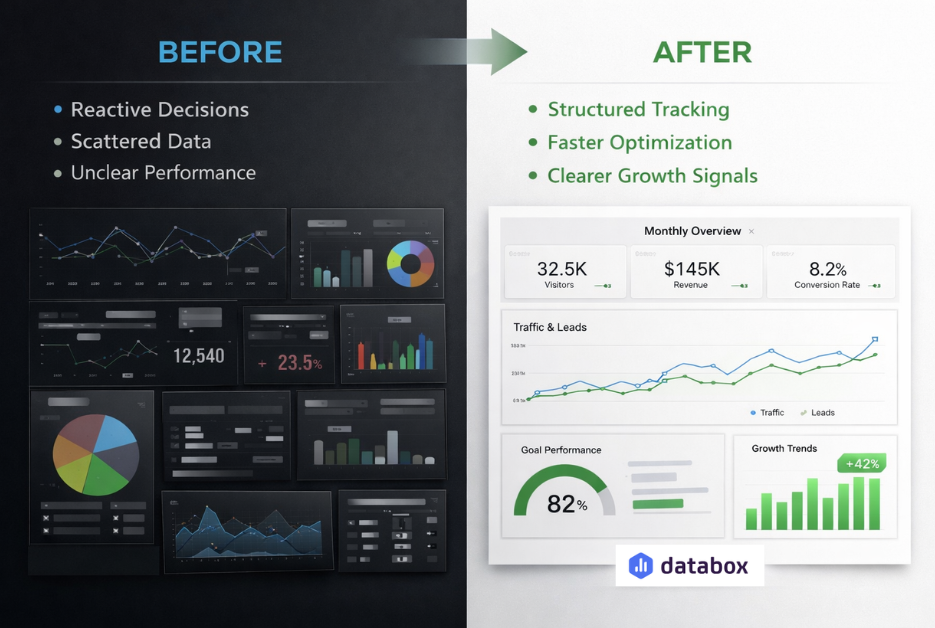
Before:
- reactive decisions
- scattered data
- unclear performance
After:
- structured tracking
- faster optimization
- clearer growth signals
Summary
- Databox is a data visualization and decision tool, not a growth engine
- It works best in businesses with existing traffic and structured KPIs
- Its value comes from centralization + clarity, not automation
- Without a system, it adds little impact
- Inside a system, it becomes a key decision layer
Final Verdict
Databox is not essential for everyone — and that’s exactly why it’s valuable for the right stage.
If you are:
- scaling campaigns
- managing multiple data sources
- making frequent optimization decisions
It becomes a strong operational advantage.
If you are still:
- testing ideas
- building initial traffic
- figuring out your model
Then it’s premature.
If you already have campaigns running and want a clearer way to track what’s actually driving results, Databox is worth testing in your workflow.
Explore the platform here: databox.com
About the Author
Lydia (Salles & Co. Digital) is a Strategic Affiliate focused on international digital products, AI tools, premium programs, and high-level business opportunities. She analyzes platforms, launches, and ecosystems from a practical, results-driven perspective before recommending them.
Some links may be affiliate links, meaning she may earn a commission at no additional cost to you.